
Imagine hiring a freelance copywriter to update a single blog post on your website, and handing them the keys to your entire server room.
It sounds absurd, right? Yet, thousands of business owners do the exact digital equivalent every day. When onboarding a new team member, intern, or external agency, they simply create a new user account and default the role to “Administrator.”
Leaving your website’s backend completely unrestricted is an open invitation for accidental damage, security breaches, and broken layouts. To maintain your site’s structural integrity and protect your digital assets, you need a strategic approach to access control. Here is how to implement strict user roles and permissions effectively.
The Danger of Over-Privileged Accounts
When too many people have full administrative access to a website, the question isn’t if something will break, but when.
The risks of over-privileged accounts generally fall into two categories:
- The Accidental Break: A content team member tries to paste text into a page but accidentally deletes a crucial custom shortcode, alters a layout container, or deactivates a critical plugin. Suddenly, a core functional element of your site vanishes.
- The Security Vulnerability: Every administrator account is a high-value target for hackers. If an employee uses a weak password or reuse credentials on an admin account, a brute-force attack can compromise the entire website, leading to malware injections or stolen customer data.
The Strategy: The Principle of Least Privilege
The gold standard of digital security is the Principle of Least Privilege (PoLP). It states that a user should only have the absolute minimum level of access necessary to complete their specific job—and nothing more.
By mapping your team’s real-world responsibilities to specific digital capabilities, you can build an environment that looks like this:
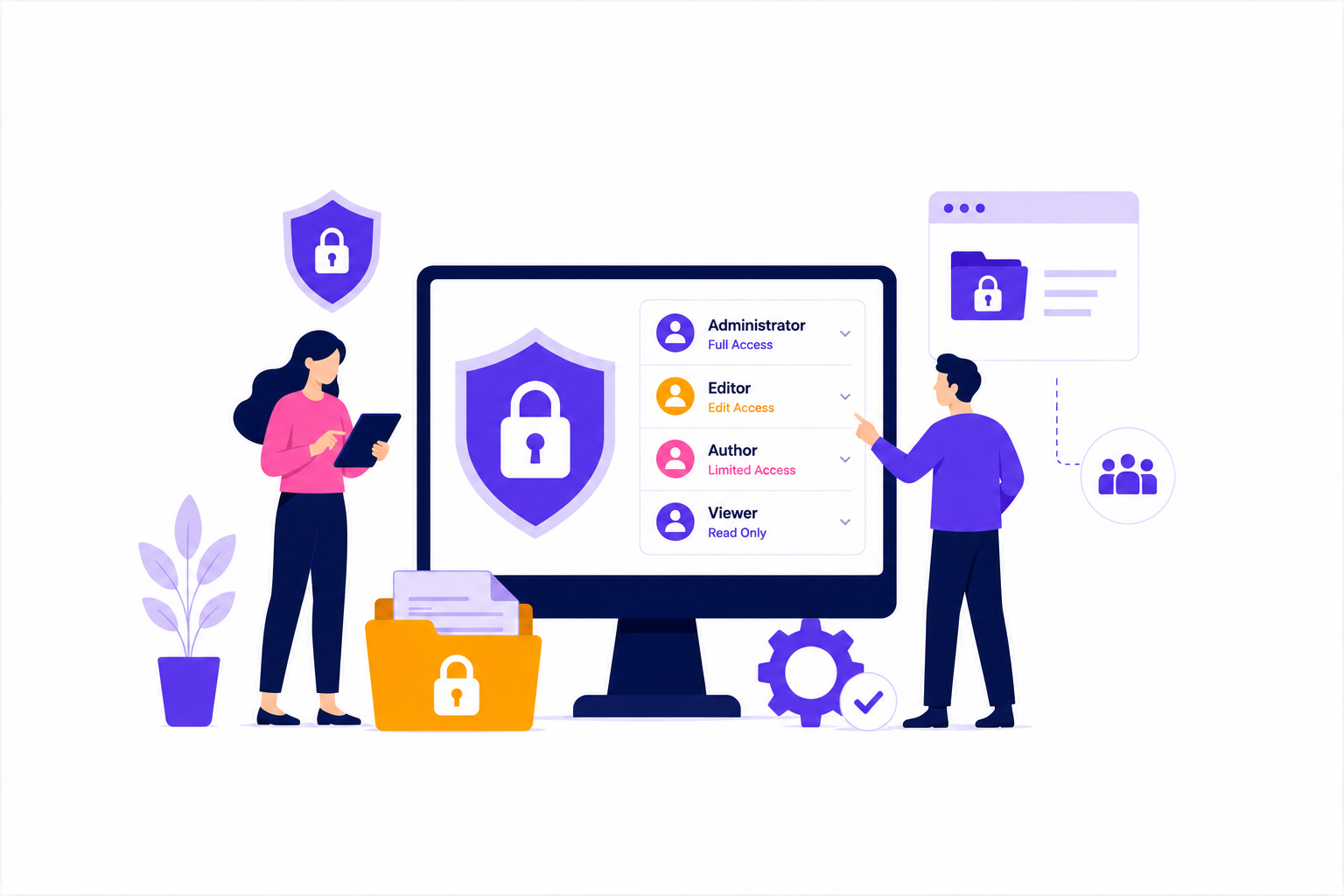
1. The Administrator (The Keys to the Kingdom)
This role should be fiercely guarded. Administrators can modify core PHP code, install or delete plugins, change themes, manage database configurations, and create or delete other users.
- Who gets it: Only the business owner and your trusted lead web developers.
2. The Editor (The Content Manager)
Editors need to manage the site’s messaging without touching its technical architecture. They can create, edit, publish, and delete any pages or blog posts—even those created by other users. However, they cannot access plugin settings, theme files, or core tools.
- Who gets it: Your marketing manager, content director, or trusted internal team leads.
3. The Author & Contributor (The Creators)
Authors can write, edit, and publish their own posts, but they cannot alter anyone else’s content or touch main site pages. Contributors can write content, but they cannot publish it; an Editor or Admin must review and approve it first.
- Who gets it: Freelance writers, guest bloggers, or junior marketing interns.
Custom Capabilities for Advanced Control
For complex corporate websites, standard roles aren’t always enough. A robust website architecture allows for custom role management.
For instance, if you have custom administrative buttons or specific backend functions designed strictly for advanced management, you can programmatically restrict those elements. Using custom capability checks ensures that an Editor can seamlessly manage day-to-day text updates, while the advanced control buttons remain completely hidden from their dashboard, visible only to a full Administrator.
Best Practices for Ironclad Access Control
- Conduct Routine Audits: Review your user list every quarter. If an employee leaves the company or a contract with a freelancer ends, delete their account or revoke their access immediately.
- Enforce Two-Factor Authentication (2FA): Require all users—especially Editors and Administrators—to log in using 2FA to completely nullify the threat of basic password cracking.
- Never Share Accounts: Every single person who accesses your backend should have their own unique login. This creates a clear audit trail, allowing you to see exactly who made a specific change if an error occurs.
Securing your corporate content isn’t about a lack of trust; it’s about establishing smart infrastructure. By siloing technical configurations away from daily content management, you protect your team from making costly mistakes and keep your digital ecosystem stable.
Is your website infrastructure secure and scalable? At DPOINTED LLC, we don’t just build beautiful websites—we architect secure, enterprise-grade digital systems. From custom permission mapping to robust security protocols, we ensure your platform is built to handle team collaboration without compromising safety. Let’s audit and secure your digital presence today.
